
Skip to content
Free marketing audit: find out what is holding your site back.

Technical SEO

Google Documents 12 More Crawlers and Fetchers, and None of Them Follow robots.txt. We Wrote a Log Checker

Google added 12 crawlers and fetchers that were already hitting websites to its crawler documentation on November 23, 2026, including pageburst, which renders pages for Google Ads, and the PageSpeed Insights fetcher. We read the new entries, checked Google's IP files and reverse DNS, and wrote a script that sorts them out of your server logs.

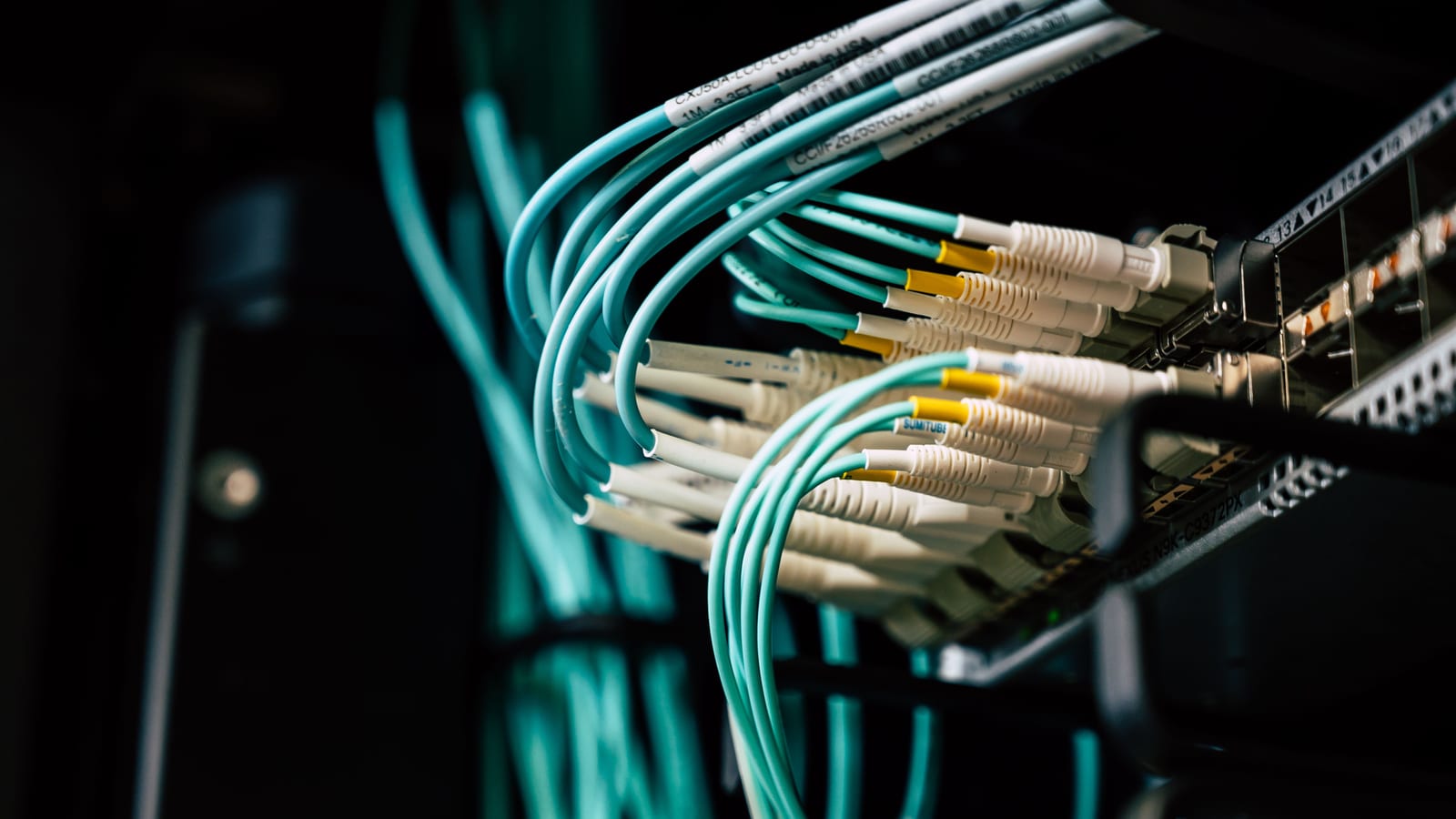
Fiber optic cables plugged into a network switch in a dark server rack

Key takeaways

  • On November 23, 2026, Google added 12 existing crawlers and fetchers to its Google crawlers documentation: six special-case crawlers, including pageburst for Google Ads, and six user-triggered fetchers, including the PageSpeed Insights fetcher, Chrome-Lighthouse.
  • Google's pages say all six new special-case crawlers ignore robots.txt and user-triggered fetchers generally do too, so a site that wants to limit any of the 12 has to use its firewall or CDN, not robots.txt.
  • Google moved APIs-Google, which delivers webhooks such as Pub/Sub push and Drive change notifications, to the user-triggered fetcher list and added a missing semicolon to its user agent string, so code that matches the old string exactly needs an update.
  • In our November 23 reverse DNS test, 20 of 20 sampled special-crawler ranges and 20 of 20 Google-owned fetcher ranges resolved to google.com names, but 15 of 20 sampled ranges in user-triggered-fetchers.json had no reverse DNS at all, so only the IP file can verify them.
  • Three of the new fetchers, AppEngine-Google, Google-Apps-Script and Google-Cloud-Tasks, send requests for code written by Google's cloud customers, so a request from a published Google IP range is not always Google acting on its own.

Google added 12 crawlers and fetchers to its Google crawlers documentation on November 23, 2026, and none of them can be controlled with robots.txt. They aren't new: Google's changelog says they already existed and are common in server logs, which is why it documented them now. The list includes pageburst, which renders landing pages for Google Ads, and Chrome-Lighthouse, the fetcher behind PageSpeed Insights. If you run bot protection, a firewall or a CDN rule that challenges unknown bots, these are the names to check this week.

Search Engine Roundtable spotted the change. Both of Google's pages show "Last updated 2026-11-23 UTC," and the change applies to every site in every country: these crawlers don't vary by region. Below is what was added, what we found when we checked Google's IP files and reverse DNS the same evening, and a short script that finds and verifies all of Google's crawlers in an access log.

Which Google crawlers were added?

Six went onto the special-case crawlers page. Google describes these as crawlers that are used "where there's an agreement between the crawled site and the product," and its page says each of the six ignores robots.txt:

  • pageburst: renders pages for Google Ads quality, landing page safety and page understanding. It comes in a desktop Chrome form and an iPad form, both containing compatible; pageburst.
  • Google-analytics-postbacks: sends attribution postbacks from Google Analytics to the ad network endpoints a property has set up, when a conversion happens.
  • Google-Calendar-Importer: fetches and refreshes the .ics calendar feeds that Google Calendar users subscribe to.
  • GoogleDocs: fetches the URLs that Google Sheets users put in functions such as IMPORTHTML. Its string is Mozilla/5.0 (compatible; GoogleDocs; apps-spreadsheets; +http://docs.google.com).
  • Google-Edu: checks the domains schools submit when they apply for Google Workspace for Education.
  • PlayStore-Google: fetches and checks the URLs developers add to Google Play listings.

Six went onto the user-triggered fetchers page, the list of fetchers that run because a person asked for something. Google says these "generally ignore robots.txt rules":

  • Chrome-Lighthouse: fetches a page and its files when someone runs a PageSpeed Insights test.
  • GoogleImageProxy: fetches images in emails and documents when someone opens them, for example images in Gmail.
  • Google Web Preview: fetches pages to build link preview thumbnails in products such as Google Classroom.
  • AppEngine-Google: outbound requests from apps on Google App Engine, added to whatever user agent the app sets, with the app's ID.
  • Google-Apps-Script: requests made by Apps Script code that calls UrlFetchApp, with the script's ID.
  • Google-Cloud-Tasks: scheduled webhooks and other requests that developers queue in Cloud Tasks.

What changed for APIs-Google?

Google moved APIs-Google from the special-case list to the user-triggered fetchers list and fixed its user agent string, which now reads APIs-Google; (+https://developers.google.com/webmasters/APIs-Google.html). APIs-Google delivers webhooks that developers set up, such as Pub/Sub push subscriptions and Google Drive change notifications. The changelog says those requests come from the user-triggered fetcher IP ranges and ignore robots.txt, and that code matching the old string exactly should be updated. If your webhook endpoint sits behind a rule that allows APIs-Google only from the special-crawler ranges, check it.

Can robots.txt block these Google crawlers?

No. For all six new special-case crawlers, the page has a robots.txt row that says the crawler ignores robots.txt, and for user-triggered fetchers Google's reason is that "the fetch was requested by a user." So if you want to stop, say, Google Sheets users from pulling your pages in with IMPORTHTML, robots.txt won't do it. That takes a firewall or CDN rule on the user agent, ideally checked against the IP file, since anyone can type a Google user agent.

The reverse holds too: a blanket rule that blocks or challenges unfamiliar bots can catch these fetchers without you noticing. PageSpeed Insights can only test a page Chrome-Lighthouse can load, and Gmail can only show your email's images if GoogleImageProxy can fetch them.

What we found in Google's IP files and reverse DNS

We downloaded Google's five IP range files at about 9:30 p.m. Eastern on November 23 (02:30 UTC on November 24). All five showed a generation time of 15:46 UTC that day:

  • common-crawlers.json (Googlebot and the other common crawlers): 317 ranges.
  • special-crawlers.json (AdsBot, pageburst and the other special-case crawlers): 272 ranges.
  • user-triggered-fetchers.json: 1,096 ranges, up from 1,088 when we checked it for our Google-Agent story on November 17.
  • user-triggered-fetchers-google.json: 504 ranges.
  • user-triggered-agents.json (Google-Agent): 20 ranges.

Google's verification guide offers two checks, reverse DNS or the IP files. We took 20 IPv4 ranges spread through each of three files, looked up the first address in each, and grouped the names:

  • special-crawlers.json: 20 of 20 resolved to rate-limited-proxy-...google.com, the pattern Google's page gives.
  • user-triggered-fetchers-google.json: 20 of 20 resolved to google-proxy-...google.com.
  • user-triggered-fetchers.json: 4 resolved to gae.googleusercontent.com names, 1 to a bc.googleusercontent.com name, and 15 had no reverse DNS record at all.

Google's page says user-triggered fetcher addresses resolve to either a gae.googleusercontent.com or a google-proxy name "depending on whether the fetcher is Google or user owned." In our sample, the googleusercontent names came only from user-triggered-fetchers.json, and most of that file had no name. So for that file, a reverse DNS check will reject many genuine requests. Use the IP file.

Our view: a Google IP is not always Google

AppEngine-Google, Google-Apps-Script and Google-Cloud-Tasks don't fetch for Google's own products. They carry requests from code that Google's cloud customers write, and GoogleDocs fetches whatever a Sheets user's formula asks for. Google's page points to its "Report suspected abuse on Google Cloud" form for abusive App Engine and Apps Script traffic, which tells you these can be anyone's requests.

So we'd treat the user-triggered files as "this came from Google's servers," not "this is Google." A rule that waves through every address in Google's IP files lets in anyone's Apps Script scraper. Decide per user agent instead:

  • Allow: Googlebot and the common crawlers (they obey robots.txt), AdsBot and pageburst if you run Google Ads, Chrome-Lighthouse, GoogleImageProxy if you send email, Google-Calendar-Importer if you publish calendar feeds, and APIs-Google if you receive Google webhooks.
  • Rate-limit or decide case by case: GoogleDocs, Google-Apps-Script, AppEngine-Google and Google-Cloud-Tasks. If a lot of your traffic comes from them, the app or script ID in the user agent says whose code it is.

A script to find them in your logs

This is Node.js 20 or later with no packages. It loads Google's current IP files, reads an access log in the common "combined" format, matches each line against the user agent tokens on Google's three crawler pages, and checks the IP against the file Google lists for that crawler. Save it as google-ua-check.mjs and run node google-ua-check.mjs access.log.

// Sort Google crawler and fetcher hits in an access log and check each IP
// against the IP file Google publishes for that user agent.
// Usage: node google-ua-check.mjs access.log   (combined log format)
import { readFileSync } from 'node:fs';
 
const BASE = 'https://developers.google.com/static/crawling/ipranges/';
const common = ['common-crawlers'], special = ['special-crawlers'];
const user = ['user-triggered-fetchers', 'user-triggered-fetchers-google'];
// [token in the user agent, IP files, obeys robots.txt?, flag]
// Order matters: longer tokens before the shorter ones they contain.
const AGENTS = [
  ['Google-Agent', ['user-triggered-agents'], 'no'],
  ['AdsBot-Google-Mobile', special, 'own token only'],
  ['AdsBot-Google', special, 'own token only'],
  ['Mediapartners-Google', special, 'own token only'],
  ['Google-Safety', special, 'no'],
  ['Google-analytics-postbacks', special, 'no', 'new'],
  ['Google-Calendar-Importer', special, 'no', 'new'],
  ['GoogleDocs', special, 'no', 'new, fetches what a Sheets user asks for'],
  ['Google-Edu', special, 'no', 'new'],
  ['pageburst', special, 'no', 'new, renders pages for Google Ads'],
  ['PlayStore-Google', special, 'no', 'new'],
  ['AppEngine-Google', user, 'no', 'new, runs code written by any developer'],
  ['Google-Apps-Script', user, 'no', 'new, runs code written by any developer'],
  ['Google-Cloud-Tasks', user, 'no', 'new, runs code written by any developer'],
  ['GoogleImageProxy', user, 'no', 'new'],
  ['Google Web Preview', user, 'no', 'new'],
  ['Chrome-Lighthouse', user, 'no', 'new'],
  ['APIs-Google', user, 'no', 'moved to user-triggered'],
  ['FeedFetcher-Google', user, 'no'], ['Google-CWS', user, 'no'],
  ['Google-GeminiNotebook', user, 'no'], ['Google-NotebookLM', user, 'no'],
  ['GoogleMessages', user, 'no'], ['Google-Pinpoint', user, 'no'],
  ['GoogleProducer', user, 'no'], ['Google-Read-Aloud', user, 'no'],
  ['Google-Site-Verification', user, 'no'],
  ['Google-InspectionTool', common, 'yes'], ['Google-CloudVertexBot', common, 'yes'],
  ['Storebot-Google', common, 'yes'], ['GoogleOther', common, 'yes'],
  ['Googlebot', common, 'yes'],
];
 
function toBig(ip) {
  if (ip.includes('.')) return [ip.split('.').reduce((n, p) => (n << 8n) + BigInt(p), 0n), 32];
  let [h, t = ''] = ip.split('::');
  const a = h ? h.split(':') : [], b = t ? t.split(':') : [];
  const parts = ip.includes('::') ? [...a, ...Array(8 - a.length - b.length).fill('0'), ...b] : a;
  return [parts.reduce((n, p) => (n << 16n) + BigInt(parseInt(p || '0', 16)), 0n), 128];
}
function inRanges(ip, ranges) {
  const [n, bits] = toBig(ip);
  return ranges.some(([base, len, b]) => b === bits &&
    (n >> BigInt(bits - len)) === (base >> BigInt(bits - len)));
}
 
const files = {};
for (const f of new Set(AGENTS.flatMap((a) => a[1]))) {
  const { prefixes } = await (await fetch(BASE + f + '.json')).json();
  files[f] = prefixes.map((p) => {
    const [ip, len] = (p.ipv4Prefix || p.ipv6Prefix).split('/');
    const [base, bits] = toBig(ip);
    return [base, Number(len), bits];
  });
}
 
const stats = new Map();
for (const line of readFileSync(process.argv[2], 'utf8').split('\n')) {
  const m = line.match(/^(\S+) .*"([^"]*)"$/);
  if (!m) continue;
  const [, ip, ua] = m;
  const agent = AGENTS.find(([token]) => ua.includes(token));
  if (!agent) continue;
  const [token, ipFiles, robots, flag = ''] = agent;
  const ok = ipFiles.some((f) => inRanges(ip, files[f]));
  const s = stats.get(token) || { robots, flag, verified: 0, fake: new Set() };
  ok ? s.verified++ : s.fake.add(ip);
  stats.set(token, s);
}
for (const [token, s] of stats) {
  console.log(`${token}: ${s.verified} verified` +
    (s.fake.size ? `, NOT in the IP file Google lists for it: ${[...s.fake].join(' ')}` : '') +
    ` | robots.txt: ${s.robots}${s.flag ? ' | ' + s.flag : ''}`);
}

We tested it on a log of 11 lines: eight with real addresses taken from Google's files, two with Google user agents from documentation-only addresses (203.0.113.50 and 198.51.100.7), and one ordinary browser. It flagged both fakes and ignored the browser. It also flagged a pageburst request from a Googlebot address, because Google lists pageburst under the special-crawler ranges, not the common ones:

pageburst: 1 verified, NOT in the IP file Google lists for it: 192.178.4.162 | robots.txt: no | new, renders pages for Google Ads
Google-analytics-postbacks: 1 verified | robots.txt: no | new
GoogleDocs: 1 verified | robots.txt: no | new, fetches what a Sheets user asks for
Google-Apps-Script: 1 verified, NOT in the IP file Google lists for it: 203.0.113.50 | robots.txt: no | new, runs code written by any developer
Chrome-Lighthouse: 1 verified | robots.txt: no | new
APIs-Google: 1 verified | robots.txt: no | moved to user-triggered
Googlebot: 1 verified, NOT in the IP file Google lists for it: 198.51.100.7 | robots.txt: yes

The token list is copied from Google's pages as of November 23. Google calls its user-triggered list "not exhaustive," so a Google request the script doesn't recognize isn't proof of a fake.

What should site owners check this week?

  1. Search your logs for the 12 new names, or run the script above, to see which ones already visit.
  2. Check your bot rules. In your CDN or firewall, find any rule that blocks or challenges unknown bots and confirm it lets through the fetchers you need, especially pageburst and AdsBot if you advertise on Google.
  3. Fix exact-string matches. Any code that matches the full APIs-Google string, or allows it only from the special-crawler ranges, needs the new string and the user-triggered ranges.
  4. Keep IP lists fresh. user-triggered-fetchers.json gained eight ranges in six days. Load the files on a schedule rather than pasting them in once.

What we don't know yet

Google hasn't said what happens to an ad when pageburst can't load its landing page, or whether pageburst replaces any AdsBot checks. It hasn't said how many other Google fetchers remain undocumented. And our reverse DNS test sampled 20 ranges per file, not every range, so the exact share of user-triggered-fetchers.json without a name may differ.

Sources

Photo of Kiran Dasgupta

About the author

Kiran Dasgupta, Editor

Kiran runs Kihan Marketing, a web design, SEO and ads agency, and manages dozens of websites across real estate, home services and healthcare. He writes about SEO, AI search and paid ads news, and what it means for the people who run websites.